

Welcome to LocalUniverse
Multiplayer localhost. A cosmic playground sized for the minutes between agent runs.
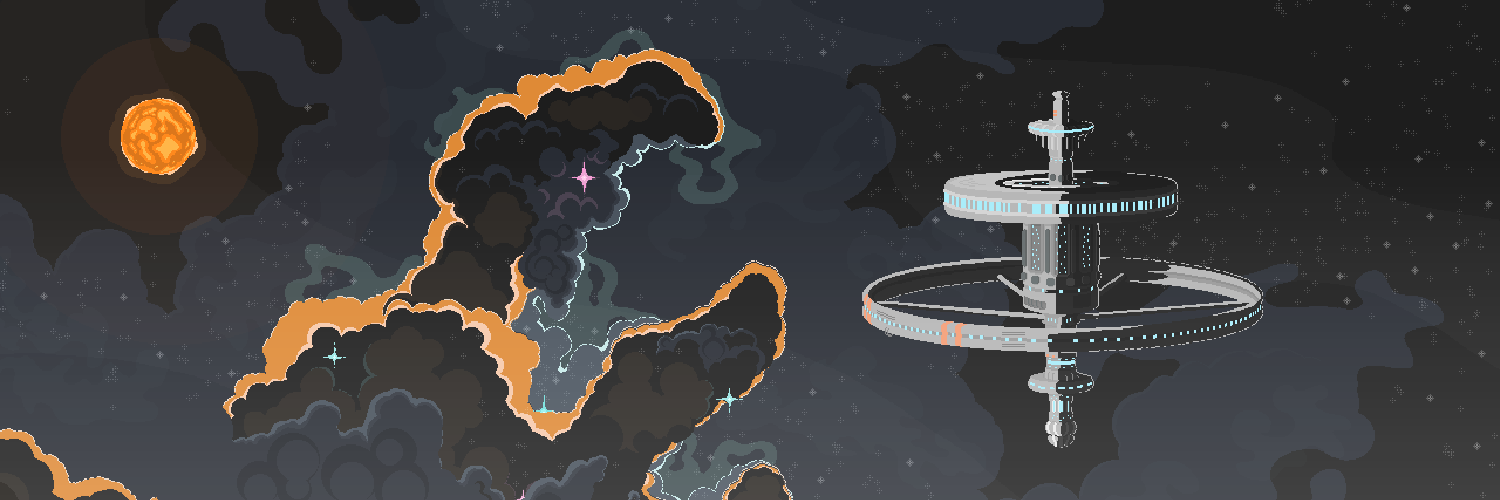
You install it in one curl, type localuniverse in any project, and a browser tab drops you into a small persistent world. Other devs are walking around. Some are fishing. Your dev server is in a private side panel that only you can see. You can leave it open all day, the way you leave Slack open all day — except this one's fun.
Getting started
The fastest way in is two commands:
curl -fsSL https://localuniverse.io/install.sh | sh
localuniverse
That's the install + first launch. From there, head to the Quickstart for what to do in your first minute, or jump straight to The hub to see what's actually in the world.
If you're more of a "tell me the deal first" person, the FAQ covers the most common questions — does my code leave my machine (no), do I need an account (just GitHub), is it free (yes), etc.
Resources
Avatars
Your character in the hub — naming, customization, and how presence works.
Fishing
AFK fishing — the original LocalUniverse activity. Cast, walk away, come back to catches.
Voice chat
Proximity voice — walk near someone, mics open. Walk away, they fade out.
CLI
Every command the localuniverse CLI exposes. Mostly you only ever type one of them.